1. Who we are
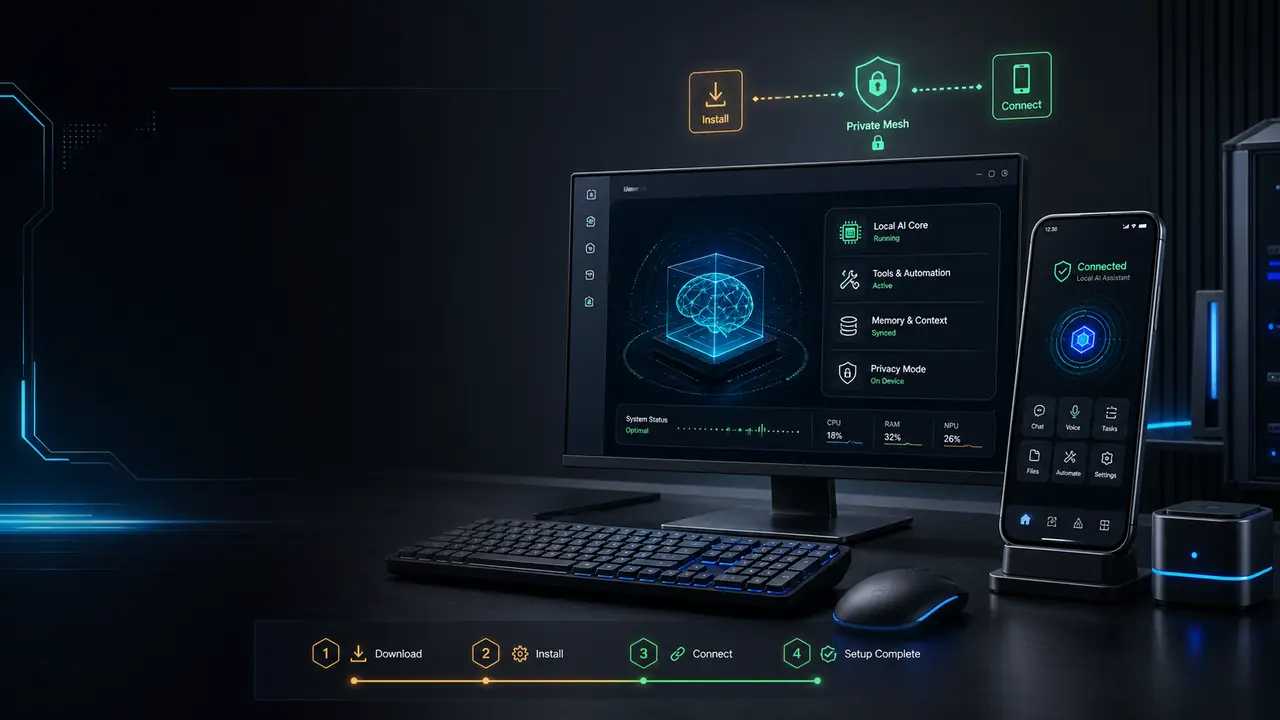
Jarvis AI Assistant (“the app”, “we”, “us”) is a personal AI assistant that you install and run on your own Windows computer. This policy explains what information the app can access, how it is used, how long it is kept, and the choices you have. It applies to the Jarvis AI Assistant desktop and mobile apps and to this website, jarvis.institute.
2. Information the app accesses
Because Jarvis AI Assistant is local-first, most information never leaves your device. Depending on what you choose to use, the app may access:
- Your API keys and credentials. Keys for the LLM providers you choose (e.g. Anthropic, OpenAI, Google, Groq, Ollama) and tokens for services you connect. These are stored encrypted on your device and are used only to talk to those providers on your behalf.
- Content you give it. The messages, files, and commands you send. These are processed locally and, when you choose a cloud model, sent to that model provider to generate a response.
- Google user data (optional). If you choose to connect your Google account, Jarvis AI Assistant can view and edit your Google Calendar events, and send email from your Gmail address, through the Google Calendar API and the Gmail API. This is optional: the app works without it. Section 3 lists the exact permissions and why each one is requested. Google sign-in does not grant the ability to read your mail.
- Mailbox content (optional, separate). If you connect a mailbox, Jarvis AI Assistant reads and searches your mail over IMAP using a password you create and can revoke yourself. This is independent of Google sign-in and works with any mail provider. Section 3 explains why reading is done this way.
- Diagnostics (opt-in). If you enable it, limited crash and error diagnostics may be collected to improve reliability. This is off by default and never includes your message content. There is no advertising or third-party tracking.
3. Google OAuth, Gmail API & Google Calendar API
Jarvis AI Assistant connects to your Google account using Google OAuth 2.0. You sign in on Google’s own consent screen, and Jarvis AI Assistant only accesses Google data after you explicitly grant permission there. The app requests only the scopes needed for the features it actually implements:
Google Calendar — via the Google Calendar API
- View upcoming events. To answer questions such as "what is on my calendar today?" and to include your schedule in a morning briefing.
- See which calendars you have. To list your calendars by name, so you can say which one an event belongs on instead of memorizing calendar IDs.
- Create events. So you can say "book a review with the team on Thursday at 3pm" and have the event actually appear.
- Update events. To move, rename, or reschedule an existing event when you ask — without you opening Calendar.
- Delete events. To cancel an event when you ask it to. This is the only reason delete access is requested.
- Find free time. To suggest when you are actually free. Free slots are worked out on your own machine from the events above — no separate availability data is collected.
Scopes
- https://www.googleapis.com/auth/calendar.readonly
- https://www.googleapis.com/auth/calendar.events
Gmail — via the Gmail API
- Send emails. So a message or reply you approve is actually sent from your own address. Used only for messages you explicitly ask it to send.
- Cannot read your mail through Google. This permission allows sending only. It gives no ability to read, search, or list your Gmail — those features use IMAP with a password you create and control, not this Google permission.
- Never permanently deletes mail. The app cannot bypass your Trash or permanently delete messages, and deliberately does not request the broader Gmail scopes that would allow that.
Scopes
- https://www.googleapis.com/auth/gmail.send
Google user data is processed locally on your own device to fulfil your requests. It is never transmitted to, stored on, or processed by any server we operate — we do not operate one.
Reading your mail (optional, and not via Google)
Jarvis AI Assistant can read, search, and reply to your mail over IMAP — the standard mail protocol — using an app password you create yourself and can revoke at any time. This is separate from Google sign-in and works with Gmail, Outlook, iCloud, Fastmail and any other IMAP provider. Your mailbox password is stored encrypted on your own computer and is never transmitted to us; the connection is made directly from your machine to your mail provider.
This is a deliberate choice. Every Google permission capable of reading mailbox content is classified by Google as a restricted scope, which obliges the publisher to complete a paid third-party security assessment every year. Jarvis AI Assistant does not request any restricted scope. Reading mail over IMAP with a credential that belongs to you keeps that capability available while leaving your Google permissions limited to sending mail and managing your calendar — and the mailbox password can be revoked by you at any moment, independently of Google.
4. How your information is used
Information is used solely to operate the assistant for you:
- To carry out the tasks, questions, and commands you give it.
- To route requests to the model provider you selected and return the result.
- To provide memory and continuity across your own sessions, stored on your device.
- To keep the app secure and reliable (e.g. opt-in diagnostics).
We do not build advertising profiles, and we do not use your content to train AI models.
5. Where your data lives, and how long it is kept
Your conversations, memory, credentials, and connected-account data are stored locally on your device — for example in a credential vault and a local database under your home folder. We do not operate a cloud service that stores your content. When you use a cloud LLM provider, your prompt (and any content you include) is sent to that provider under their terms; when you use a local model such as Ollama, nothing leaves your machine.
Retention. Because there is no server, there is no server-side retention period — we hold nothing to retain. Concretely:
- Google user data is not retained by us at all. Calendar events are fetched from Google when a request needs them, used to answer that request, and not copied into any store we control.
- Your Google access token is kept on your own device only, so you do not have to sign in again on every launch. It is removed when you disconnect Google in the app, or when you delete the app’s data folder or uninstall the app.
- Conversations and memory stay on your device until you delete them. They are kept so the assistant can remember context across your own sessions. You can clear them at any time — see section 8.
- Anything you send to a cloud model provider is retained by that provider under their own policy, not ours.
7. Security
Jarvis AI Assistant is built privacy-first. Your API keys are held in an encrypted local credential vault. Connected-account tokens, including your Google token, are stored in the app’s data folder on your own machine with file permissions restricted to your user account. In GUARDED mode, secrets and sensitive data are automatically redacted before anything is sent to a cloud model. Every external call and tool action is recorded to a local audit trail you can inspect.
Because everything is local, the security of this data depends on the security of your own computer and your Windows user account — anyone with access to your logged-in machine could reach it. No system is perfectly secure, but your data stays on your own hardware and under your control, rather than in a service we operate.
8. Disconnecting Google, and deleting your data
Users may disconnect Google access at any time. You are in control of your data at all times:
- Disconnect Google in the app. Use the Google integration’s disconnect action. This deletes the stored access token from your device, and the app immediately stops being able to reach your Calendar or send mail from your Gmail address.
- Disconnect your mailbox. Use the inbox disconnect action to erase the stored mailbox password from your device. You can also revoke the app password directly with your mail provider — for Google, on the App passwords page — which cuts access instantly and affects nothing else you use.
- Revoke access at Google. To withdraw the grant itself, remove Jarvis AI Assistant from your Google Account permissions. This works whether or not the app is installed, and is the definitive way to end access. We recommend doing this as well as disconnecting in the app.
- Delete local data by clearing conversations and memory in the app, or by removing the app’s data folder (~/.jarvis in your home directory). This deletes the stored Google token along with everything else.
- Uninstall the app to remove it and its locally stored data from your device.
Because your data is on your own machine and not on our servers, these actions are immediate and complete — there is no separate request to make of us, and no copy for us to delete. If you have a question about deleting data, contact us at [email protected].
9. This website
jarvis.institute is an informational site. It does not require an account and does not use advertising or cross-site tracking cookies. Any analytics used are limited to understanding aggregate, non-identifying usage of the site.
10. Children
Jarvis AI Assistant is not directed to children under 13 (or the minimum age in your jurisdiction), and we do not knowingly collect their data.
11. Changes to this policy
We may update this policy as the product evolves. Material changes will be reflected here with a new “last updated” date. Continued use after an update means you accept the revised policy.
12. Contact us
Questions about this policy or your data? Email [email protected].